The 10-Minute End-of-Day Note Review Checklist
Somewhere around half past five, your notes app starts to look like a drawer after a hurried move. A half-finished meeting note sits next to a phone number with no name, three ideas you jotted at lunch, and a reminder to check something that no longer makes sense. None of it is a disaster. But tomorrow morning you will open that drawer looking for one specific thing, and you will spend fifteen minutes digging for it.
Ten minutes today buys back that fifteen tomorrow. What follows is the routine I'd hand to anyone whose notes have started to outnumber their patience: short enough to survive a bad day, thorough enough to be worth doing.
Set the Frame Before You Touch a Note
The review works best as a fixed slot rather than a mood. Pick a trigger you already have: closing the laptop, the last coffee, the point where you stop checking messages. Attach the review to that and it stops being a decision you have to make each afternoon.
Then make the slot narrow on purpose. Set a timer for ten minutes. Close email and chat. Work on one screen if you can.
The one rule that keeps it fast: nothing new gets written during the review. This is a sorting job, not a thinking job. If an idea surfaces while you're tidying, type one line into your capture point and go back to what you were doing. The moment you start drafting, the ten minutes become forty and you'll skip the whole thing tomorrow.
The Ten-Minute Checklist
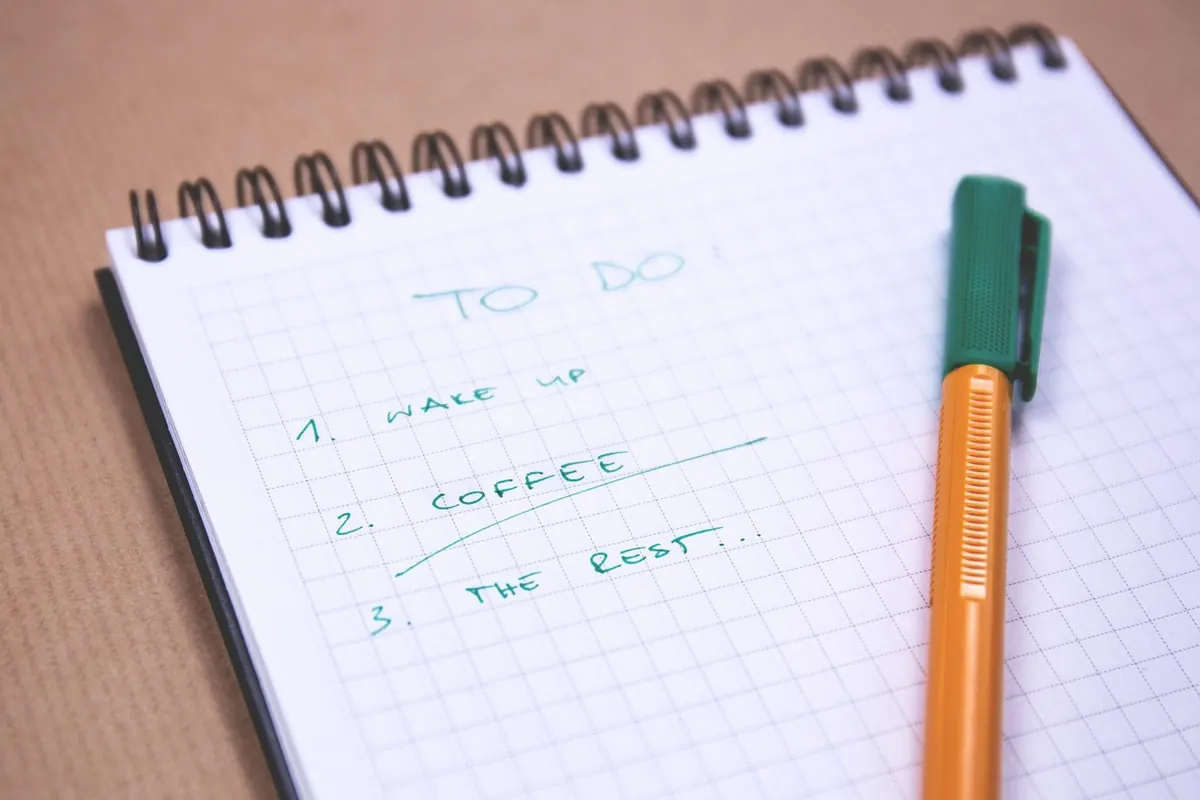
Work through these in order. Most days you'll finish by item five.
- Empty the capture point. Read every item that landed in your inbox note, quick-capture app or paper corner today. Two seconds per item, one of three decisions: keep it, act on it, drop it. Nothing stays unread.
- Title anything untitled. A note called "Notes" or "Ideas" is a note you will never find again. Give it a title that would make sense to you in six weeks, not in six minutes.
- Merge fragments. If the same topic appears in three places — a client call, a follow-up thought, a scrap with two names — pull it into one note and delete the copies.
- Delete the obvious. The meeting link for a meeting that already happened. The wifi password for a hotel you've left. The note that just says "ask about the thing". Be unsentimental; you're not losing anything you can use.
- Tag with a light hand. Two or three tags, no more. One for the project or area, one for the person involved if that's how you search, and stop there.
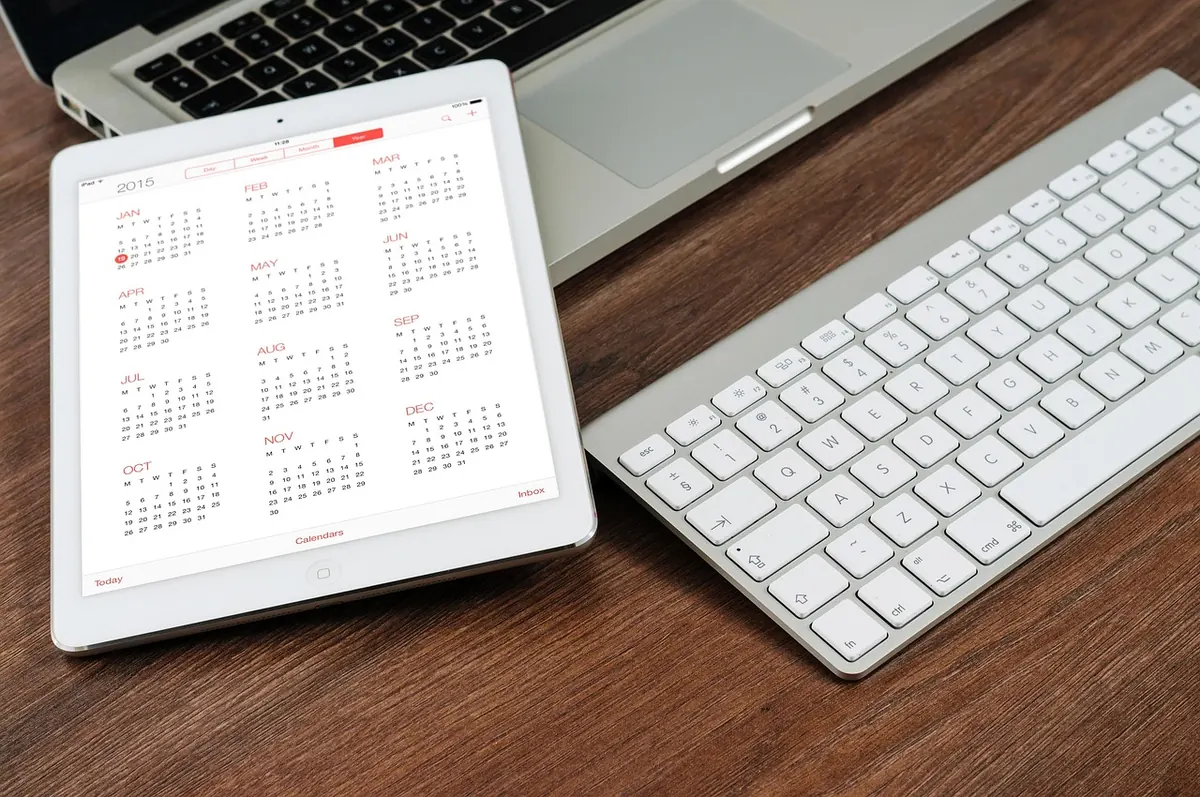
- Schedule anything with a date. A follow-up, a renewal, a "check on Friday" — these leave the notes app and go onto the calendar or task list, with a date attached.
- Leave one line for tomorrow. Write where you stopped and what comes next. One sentence is enough, and it's the item that pays for itself first.
Naming and Tagging: Two Habits That Do Most of the Work
Titles that survive a month
A useful title carries three things: what it is, what it decided, and when. Something like Website relaunch — pricing copy approved, 12 March tells you everything before you open it. Compare that with Meeting notes, which tells you nothing and guarantees you'll open four notes to find one answer.
For notes that aren't tied to a project, describe the content rather than the occasion. Landlord — boiler repair, receipt promised beats Call at 11. You are writing for a stranger who happens to be you in a hurry.
Tags, not a filing system
Most people abandon their tagging system because they built a taxonomy instead of a habit. Keep it small. Two or three tags per note, drawn from a list you already have, is plenty.
- One project or area tag, so everything related can be pulled up together.
- One person or client tag, if you search by who rather than by what.
- One status tag at most, and only if you actually filter on it.
If a note seems to need a brand-new tag, pause. Nine times out of ten an existing tag covers it, and the tenth time you can add the new one next week once you've seen it come up twice. Tags invented during a rushed review tend to be used exactly once.
Turn Dated Notes Into Scheduled Action
Notes don't get done; tasks and appointments do. Anything on your list that has a date or a deadline should leave the notes app entirely and land somewhere that will remind you.
When you move it, write it as an instruction with enough context to act on cold. Email Priya the revised scope is a task. Scope thing is a note that will confuse you on Thursday. Put it on a specific day — "Friday" rather than "soon" — and if it's genuinely urgent, put it on tomorrow.
Then close the loop on the original note. Either delete it or add a line saying where the action went. A note that says moved to calendar, 14 March can be archived with a clear conscience, and you won't spend next week wondering whether you already dealt with it.
A note you can't find is a note you never took.
Delete and Merge Without Guilt
The hardest part of the review for most people is the deleting. It helps to remember what a note is: raw material, not an archive. The value was in the thinking and the recording, and both have already happened.
Two rules of thumb keep this quick. If a note hasn't been opened in a month and holds no action and no decision, delete it. If a note exists in three versions, keep the fullest one and remove the rest — merging costs thirty seconds and saves minutes later.
One caution: don't delete the only record of something you can't reconstruct. A phone number, a decision someone made in a meeting, a quote you might need to refer back to. Keep those, tag them properly, and delete the rest without ceremony.
When the Day Was Too Busy
Some days there are no ten minutes. On those days, run the three-minute version: empty the capture point, title the untitled notes, write the line for tomorrow. That's it. It isn't a full review, but it stops the pile from growing.
If you've skipped three days, resist the urge to do a long catch-up session. Process the most recent day properly and skim the rest; anything that mattered will have resurfaced on its own by now. Bulk-deleting an old backlog is a legitimate move, not a failure.
Make It Stick
Keep the checklist visible for the first fortnight — a sticky note on the monitor, a pinned note in the app itself. Once the sequence is familiar, the timer alone is enough. Ten minutes, same slot, same order.
The point isn't a pristine notes app. It's that tomorrow morning you open your notes and the first thing you see is the sentence you left yourself, telling you exactly where to start. That's a small thing, but it's the difference between beginning the day and reconstructing it.
Photo: StockSnap / Pixabay

How to Take Notes in a Library Without Distracting Others
A practical checklist for taking notes in shared library space — quieter gear, calmer movement, and habits...

How to Take Meeting Notes That People Actually Use
Meeting notes should capture decisions, owners, and next steps so anyone can act on them later. A...
About Us